Beunec
Agentic infrastructure software · live at aselius.beunec.com

Let Rivine do the real work, and you keep the deliverables.

Aselius is Beunec's agentic infrastructure software. It runs research, code, legal drafting, and professional work through specialized Rivine engines, and every result is previewable, editable, and yours to export: governed, and never just a chat reply.

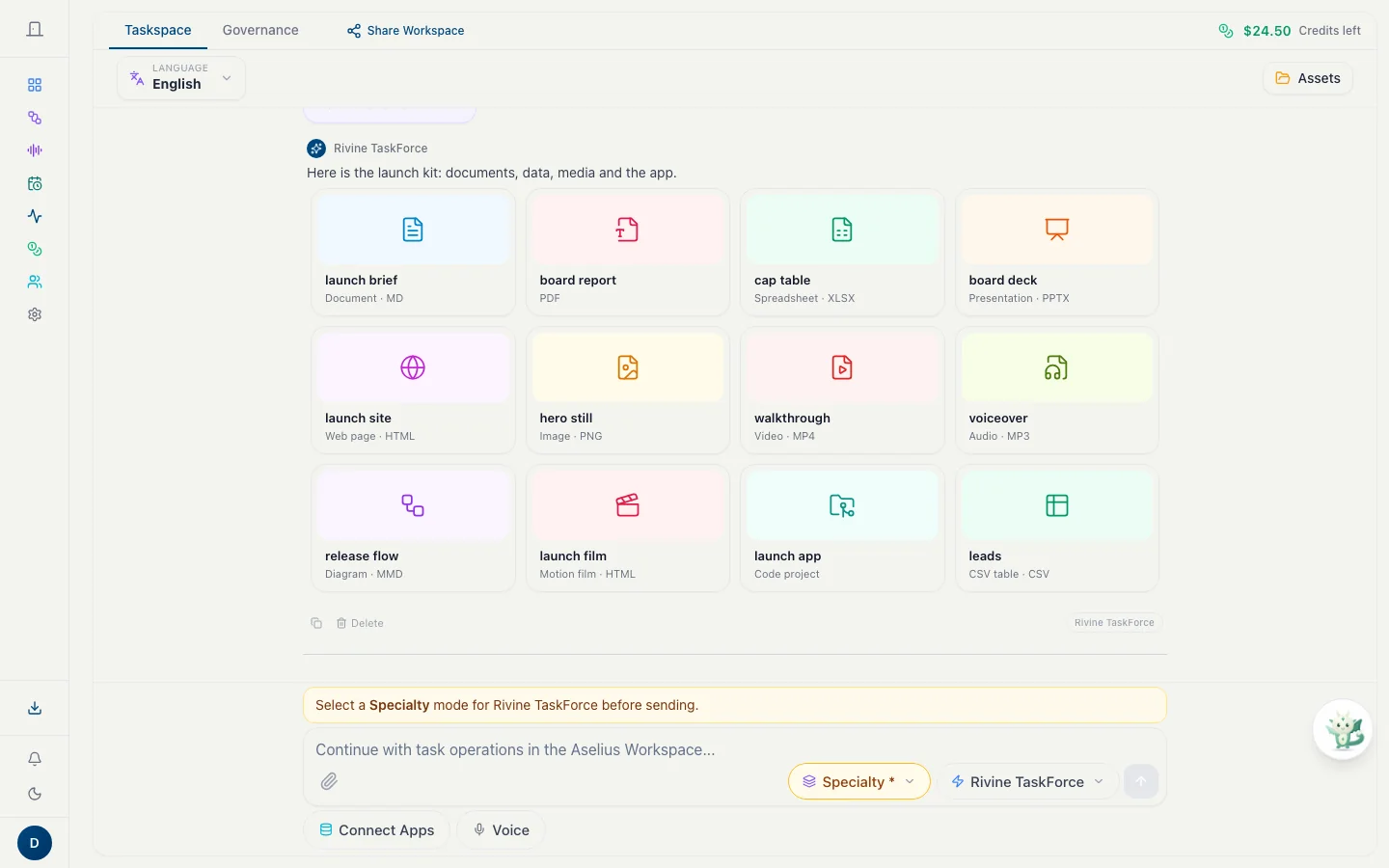
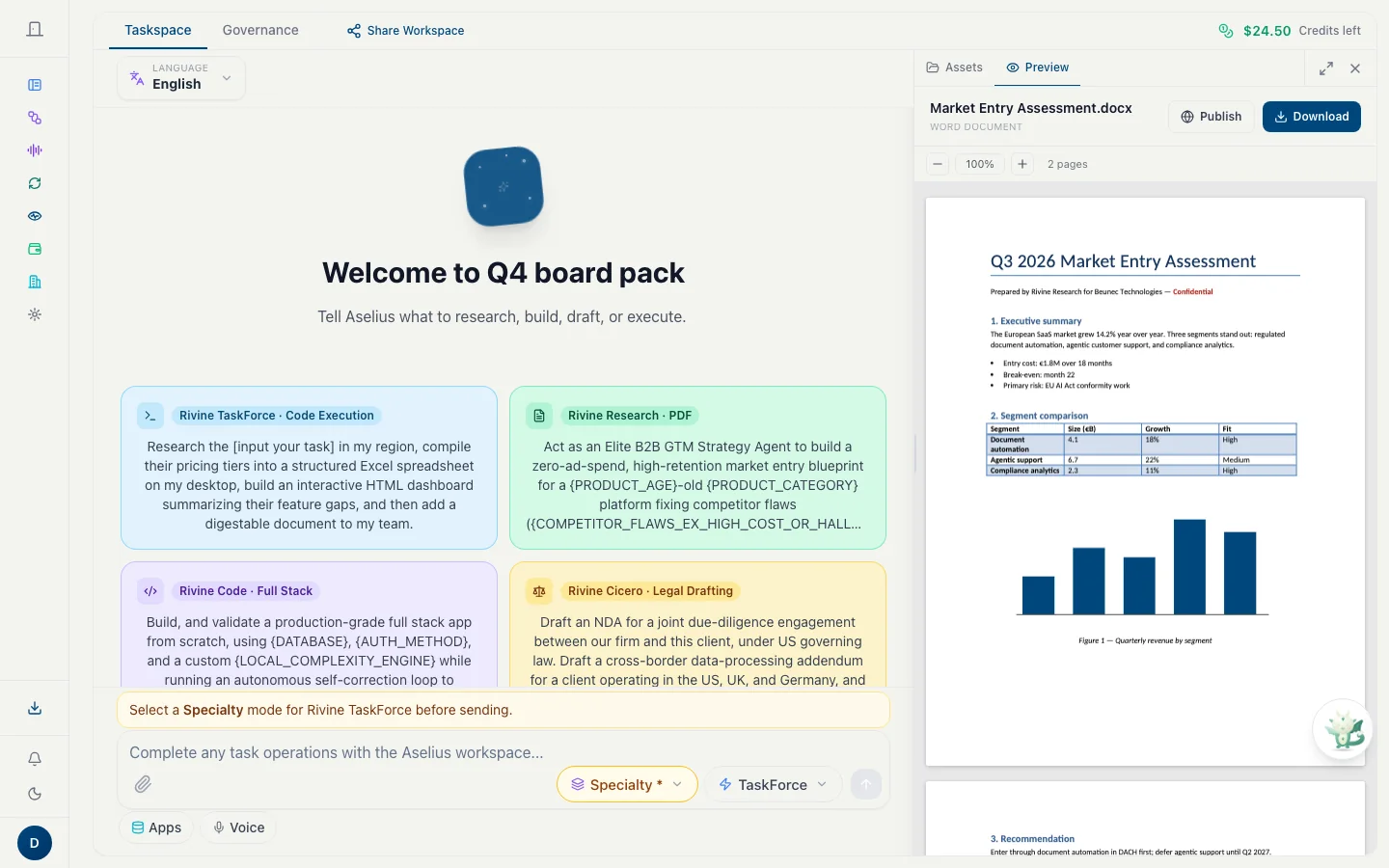
Taskspace: one Rivine TaskForce turn returns documents, data, media and an app as twelve deliverable cards.

Built for people who ship

Software engineering teamsResearch organizationsConsulting firmsStartup teamsUniversity post-graduates

Aselius, start to finish

Watch the Aselius story

What Aselius is, where everything lives, how a task runs, where the results go, every other place the Rivine engines reach, and why it is not another general agent. Every screen in it is real, and every line is narrated and captioned.

How one task runs

Say what you need. Review what you get.

Scroll through a real task: you describe the outcome, work runs in an isolated environment, and the deliverable lands as a snapshot you can preview, publish and export.

  1. 01 · Ask

    Pick an engine and its specialty, then say what you need.

    The engine you pick in the input bar is the engine that runs, every time. Agent Notes start you from a ready-made engine and specialty.

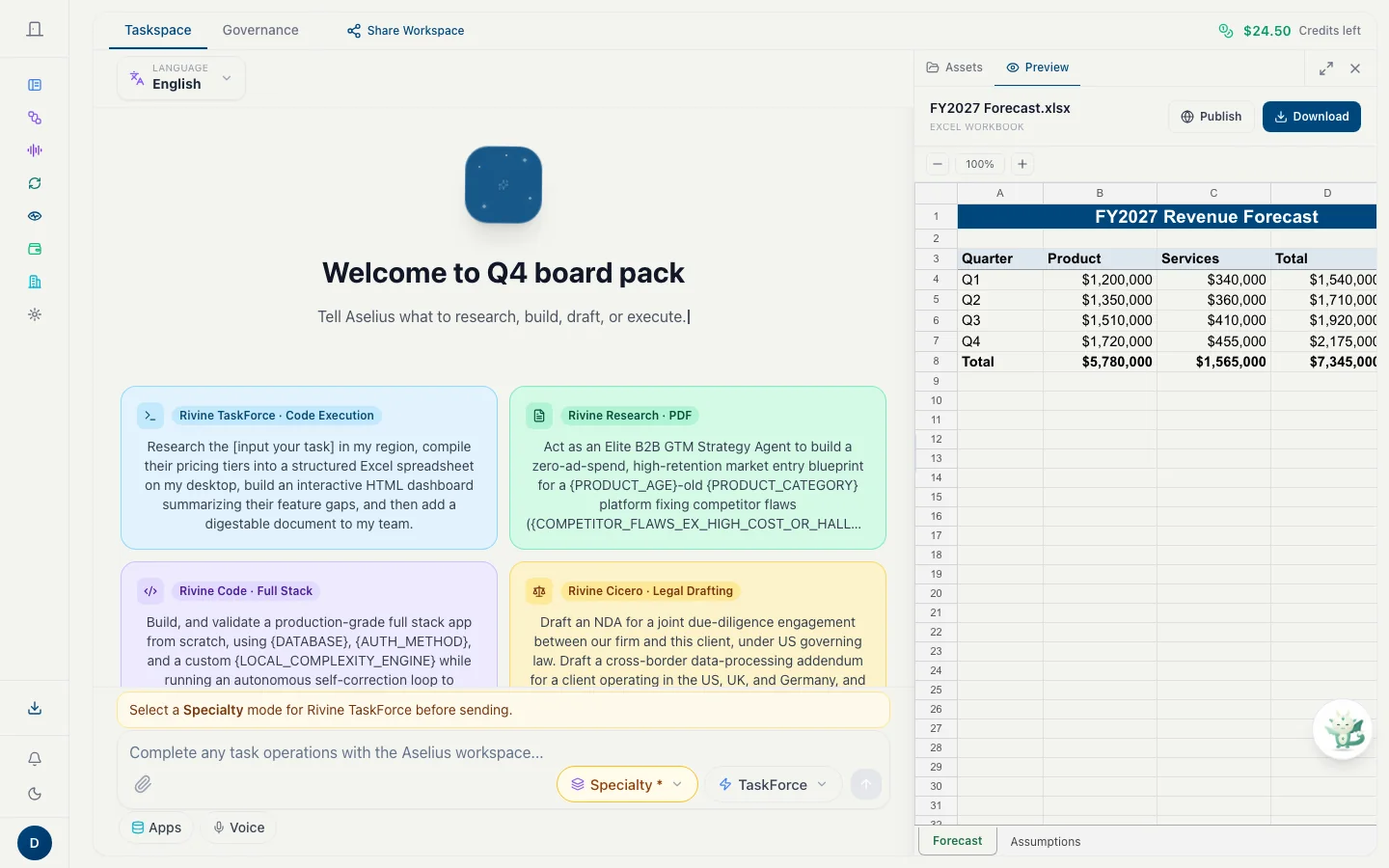
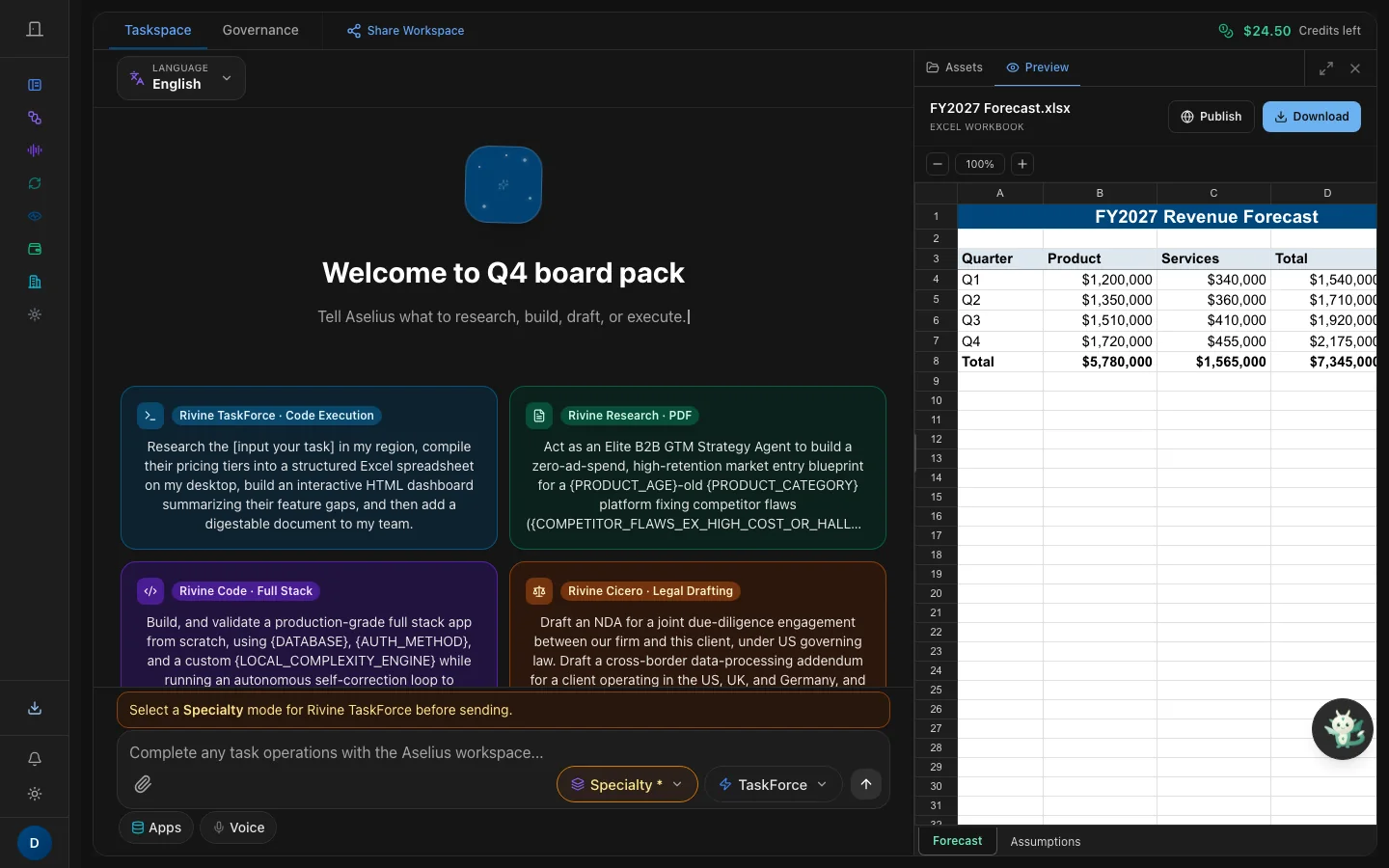
    The Preview Panel beside the conversation shows FY2027 Forecast.xlsx as a working grid, with Publish and Download.
    The Preview Panel beside the conversation shows FY2027 Forecast.xlsx as a working grid, with Publish and Download.
  2. 02 · Watch

    Every step shows up as it happens.

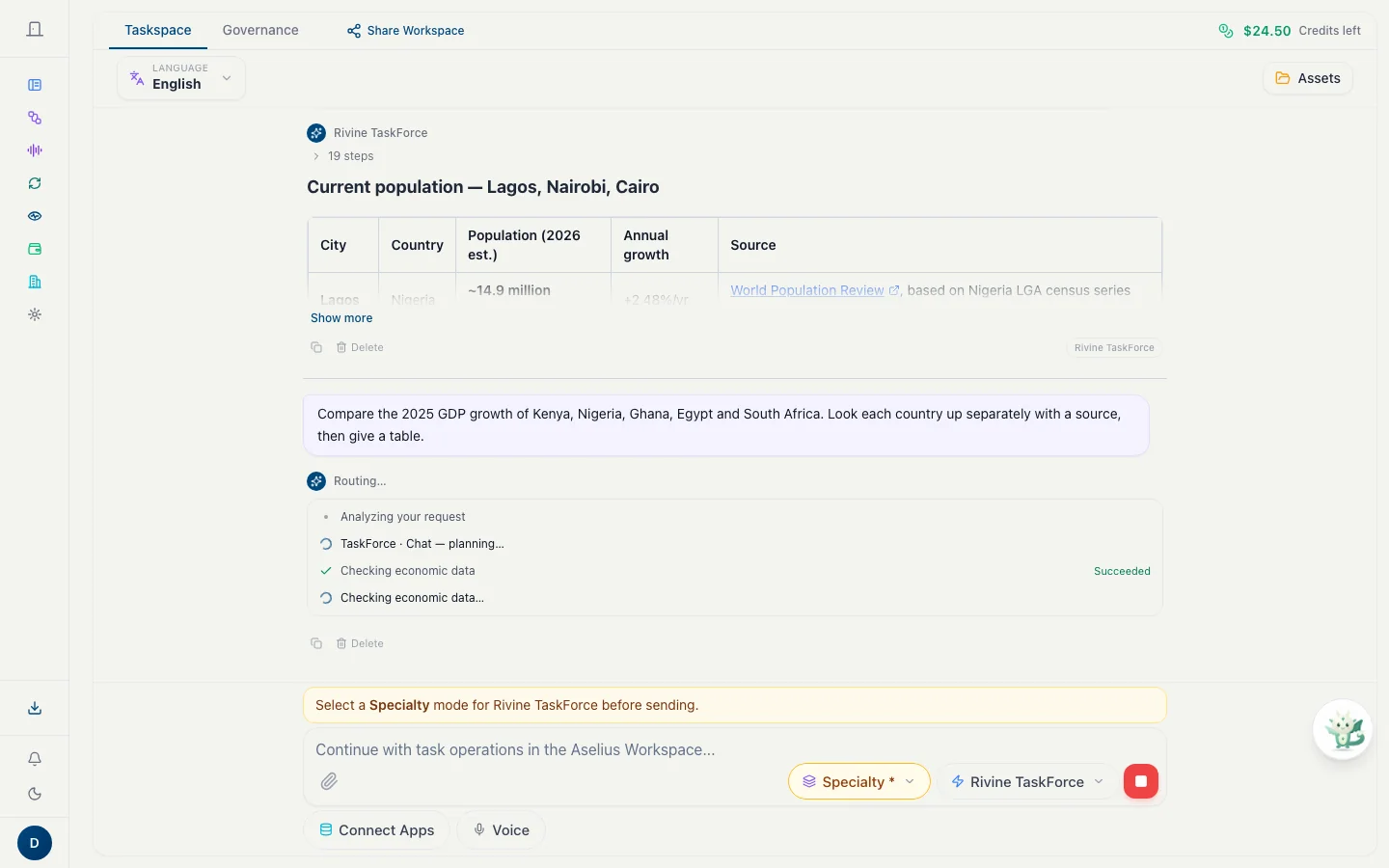
    Planning, lookups and checks appear in the thread while the engine works. Stop it whenever you like; the trail stays.

    A Rivine TaskForce turn while it runs: each step it takes appears in the thread as it happens.
    A Rivine TaskForce turn while it runs: each step it takes appears in the thread as it happens.
  3. 03 · Decide

    Nothing risky runs without you.

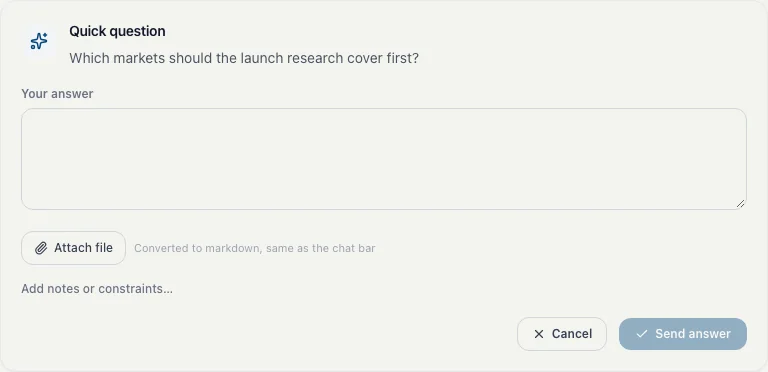
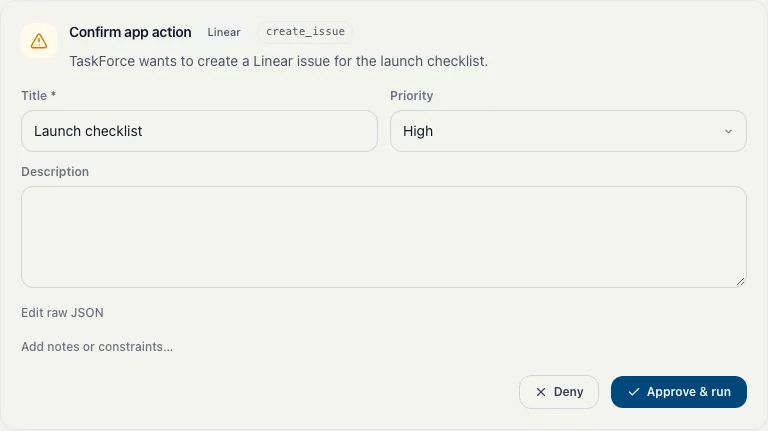
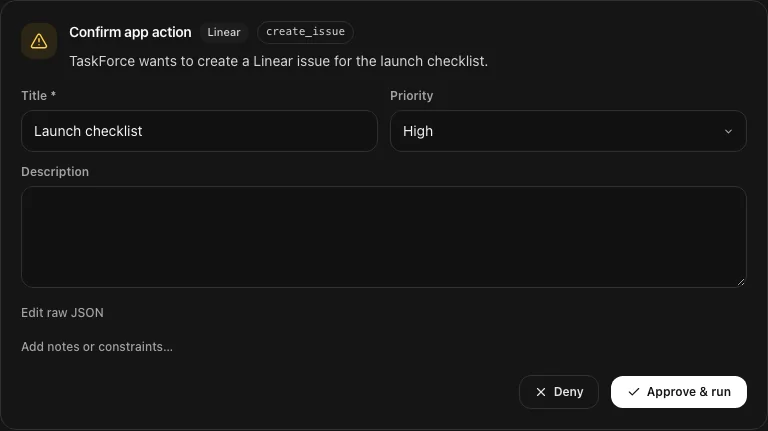
    Before an engine acts in a connected app, you see the exact action and choose Deny or Approve & run. If it needs input, it asks and waits.

    Before TaskForce acts in a connected app, here creating a Linear issue, you see the action and choose Deny or Approve & run.
    Before TaskForce acts in a connected app, here creating a Linear issue, you see the action and choose Deny or Approve & run.
  4. 04 · Receive

    Deliverables, not a chat reply.

    One turn can return documents, spreadsheets, decks, media and an app, each a real file in Assets.

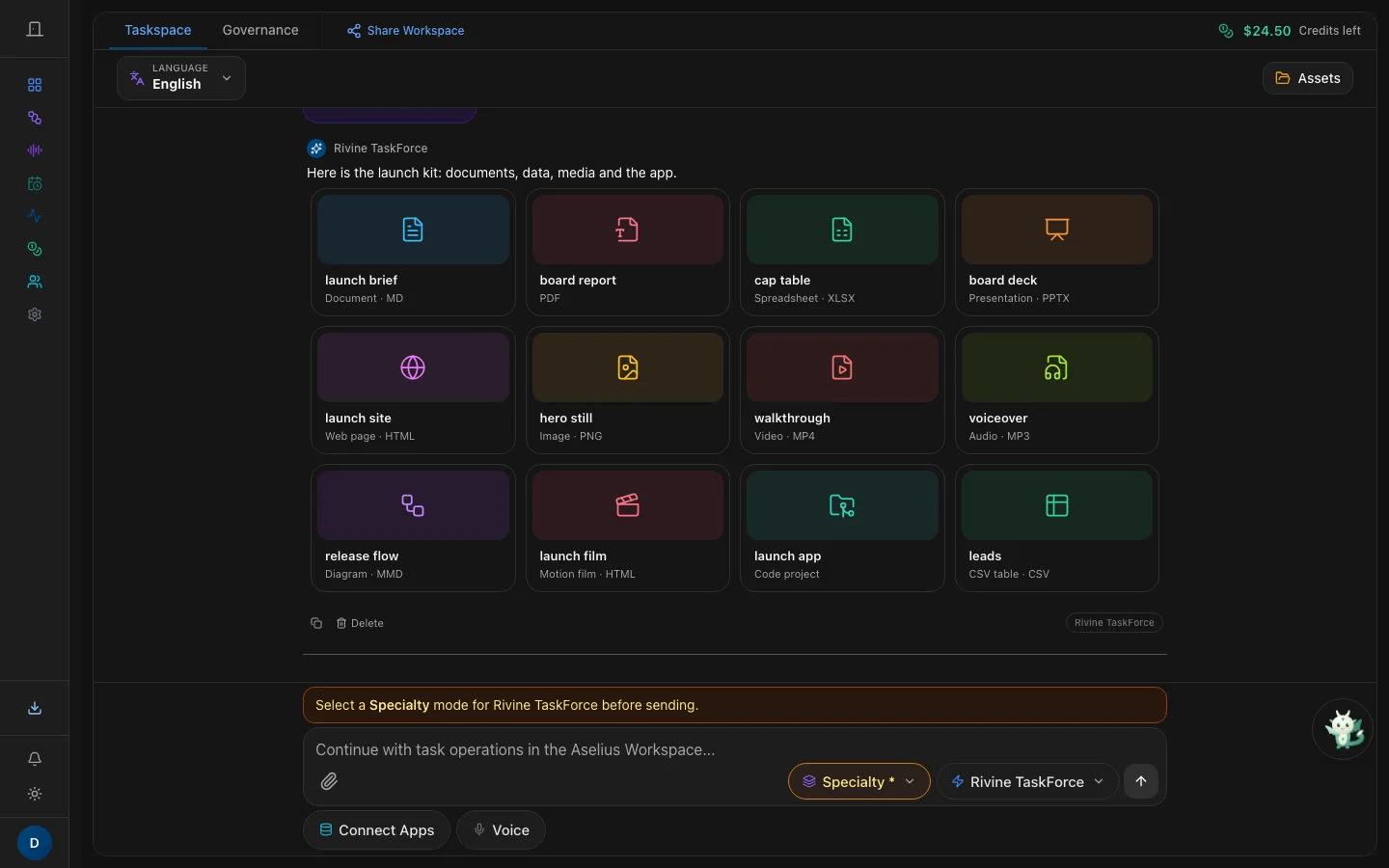
    Taskspace: one Rivine TaskForce turn returns documents, data, media and an app as twelve deliverable cards.
    Taskspace: one Rivine TaskForce turn returns documents, data, media and an app as twelve deliverable cards.
  5. 05 · Inspect

    Open it exactly as generated.

    Word as pages, Excel as a grid, decks slide by slide, right beside the conversation. Rivine Assist makes follow-up edits in place.

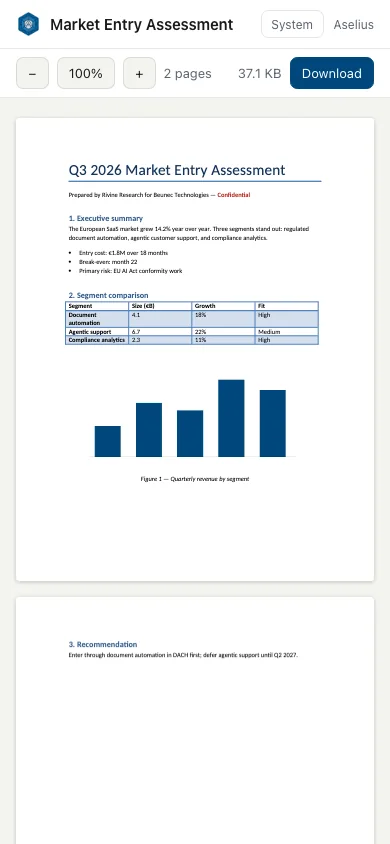
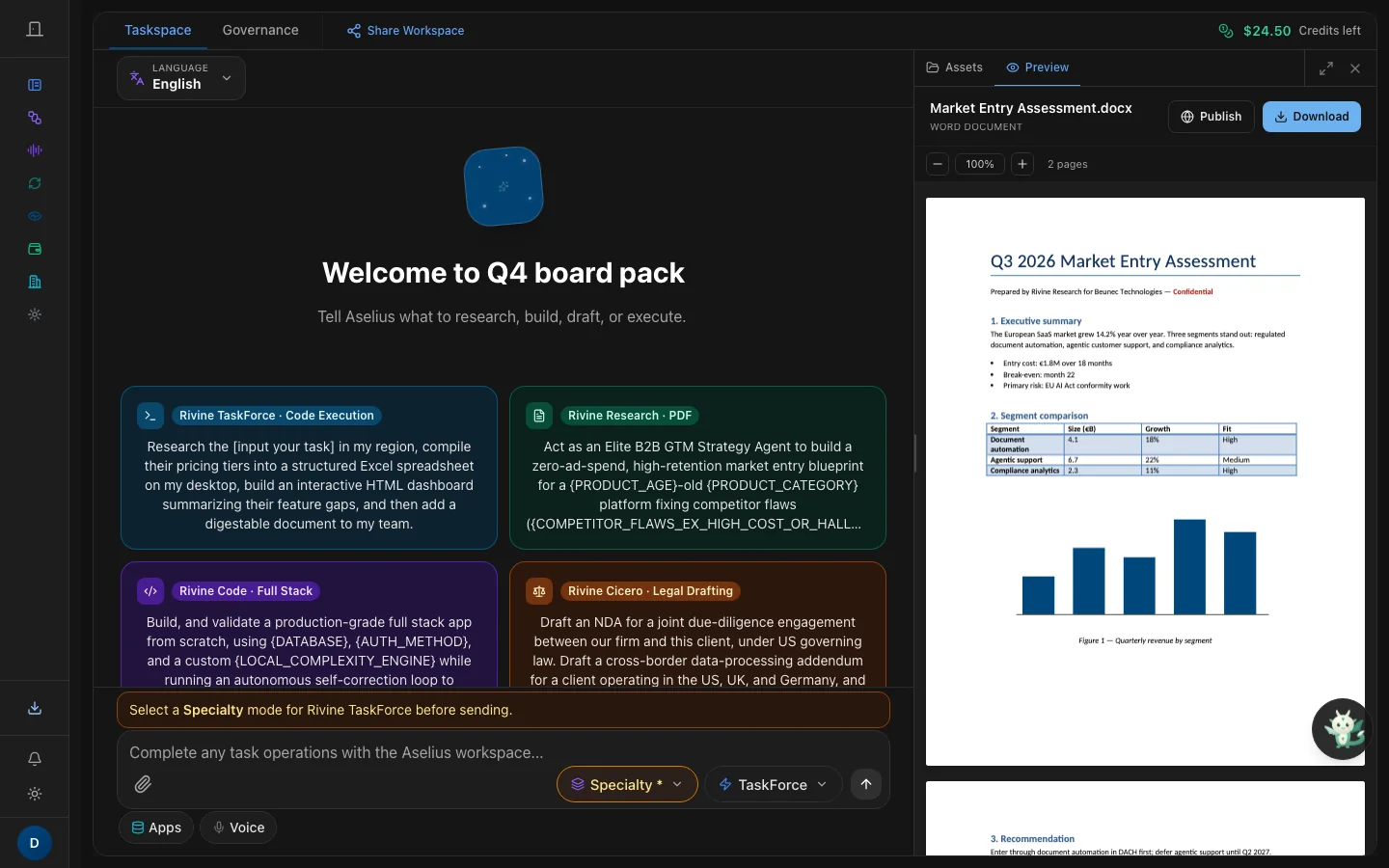
    A Word report open in the Preview Panel, drawn as pages with its tables and chart.
    A Word report open in the Preview Panel, drawn as pages with its tables and chart.
  6. 06 · Publish

    Share a snapshot with its own access code.

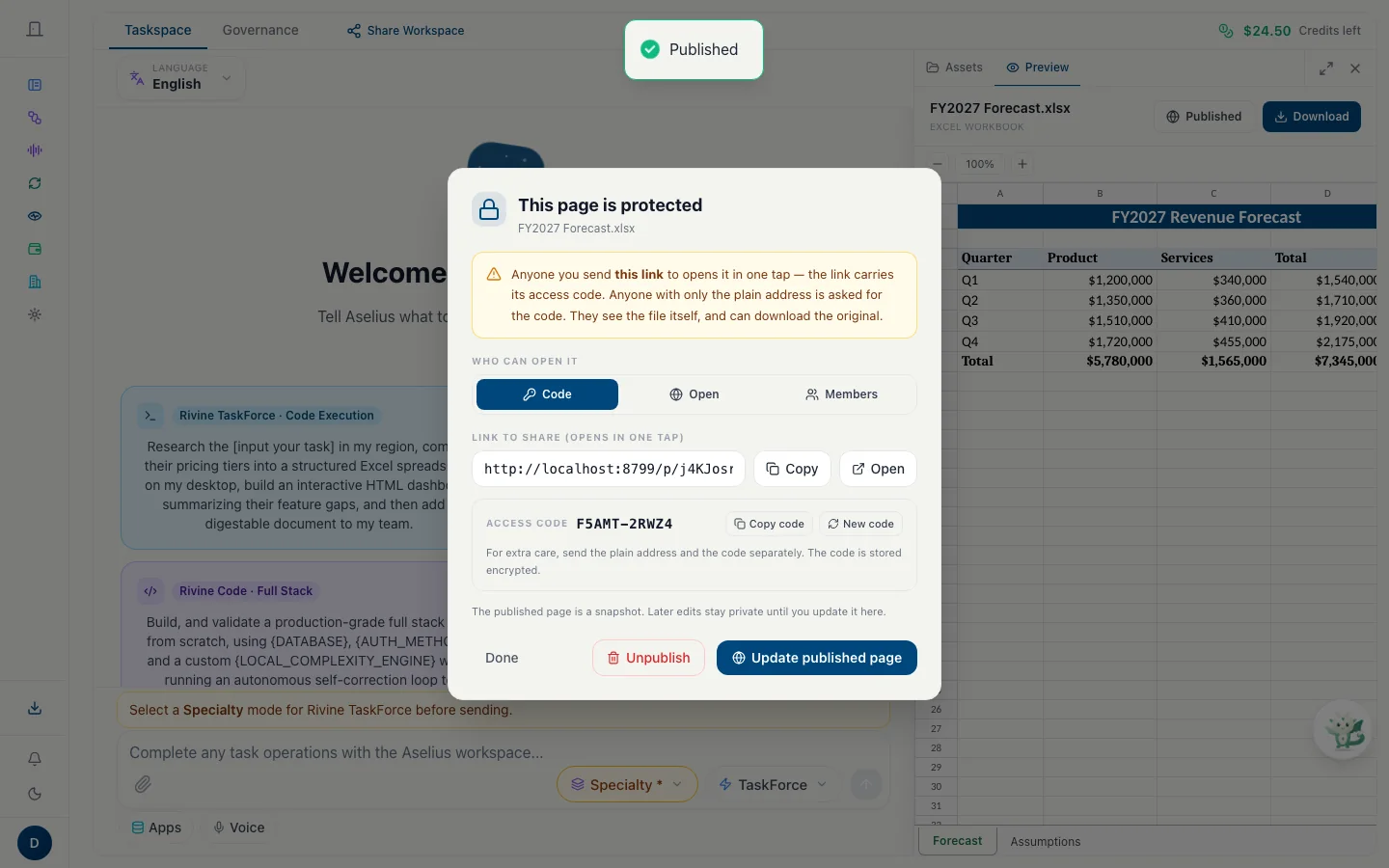
    Publishing never changes your original. Code access is the default; Open and Members are one click away.

    Publish defaults to code access: the link opens in one tap, and Open or Members are one click away.
    Publish defaults to code access: the link opens in one tap, and Open or Members are one click away.
  7. 07 · Open anywhere

    Anyone opens it, on any device, without signing in.

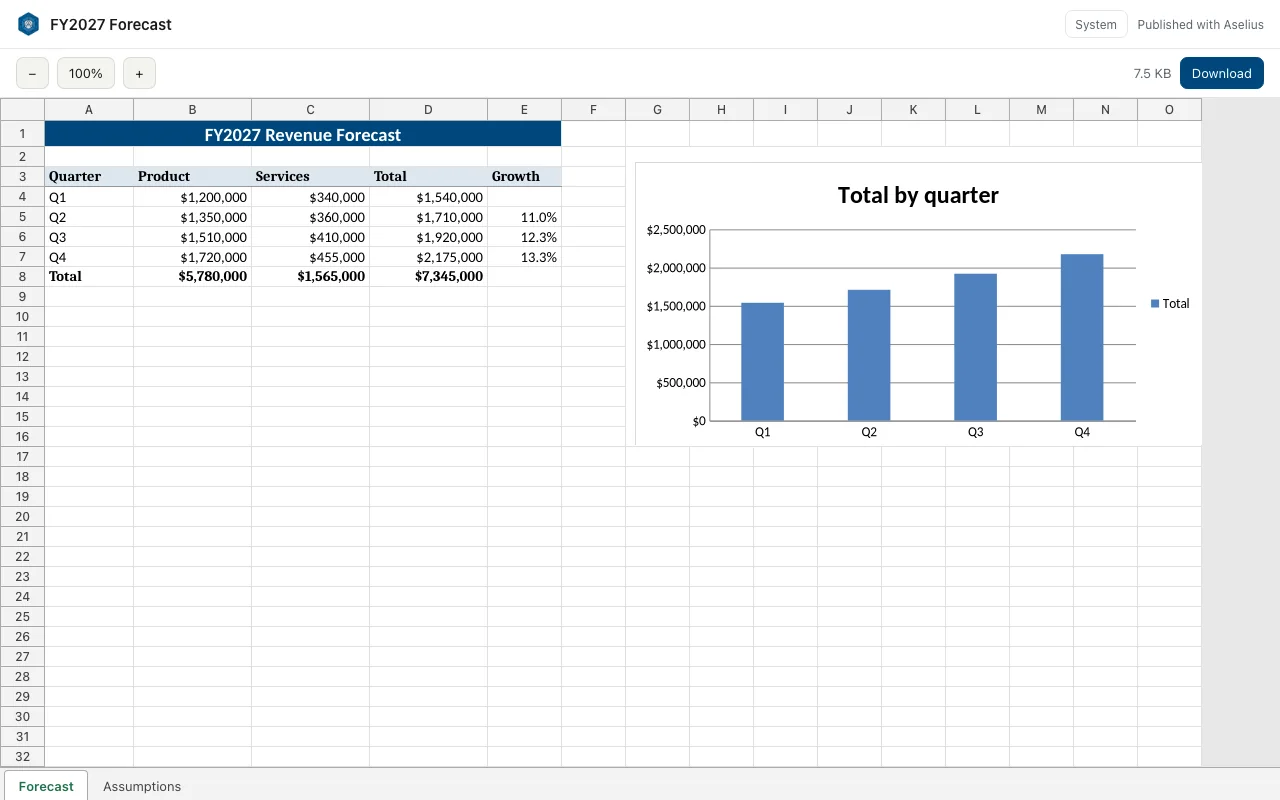
    preview.aselius.beunec.com renders the file exactly as generated, with a Download button for the original.

    The published FY2027 Forecast keeps its formatting and its chart on the Preview app.
    The published FY2027 Forecast keeps its formatting and its chart on the Preview app.
Your intent
Rivine engine
Isolated execution
Deliverable + snapshot
Preview & export

Find your way around

Where everything lives

This is the Workspace you see after signing in. Hover or tap a number to see what each part does.

The Preview Panel beside the conversation shows FY2027 Forecast.xlsx as a working grid, with Publish and Download.

Aselius MCP

Use Aselius from any AI app

Already working in Claude, Cursor or ChatGPT? Connect it to Aselius MCP and start the same Rivine engines from there. Results come back as one-tap preview links and plain files, billed to the same wallet, on every plan.

  • Claude
  • Claude Code
  • Cursor
  • ChatGPT
  • Any MCP-compatible app

Your app discovers the available engines and specialties from Aselius itself, for example Rivine Research · PDF or Rivine Cicero · Contract Review. Rivine Code, Rivine Browse and Rivine Assist need a live sandbox, your browser or an open document, so they stay in the web app.

Server address

https://workspace.beunec.com/mcp
  1. 1

    Add the server

    In your AI app's connector or MCP settings, add a remote server with the address above.

  2. 2

    Sign in to Aselius

    Approve the connection with your Aselius account. Tasks run on your own account and wallet.

  3. 3

    Ask for the work

    Start a Rivine engine task, follow its steps, answer its questions, or cancel it, without leaving the app.

Read the Aselius MCP guide

Live on Aselius today

The platform in motion

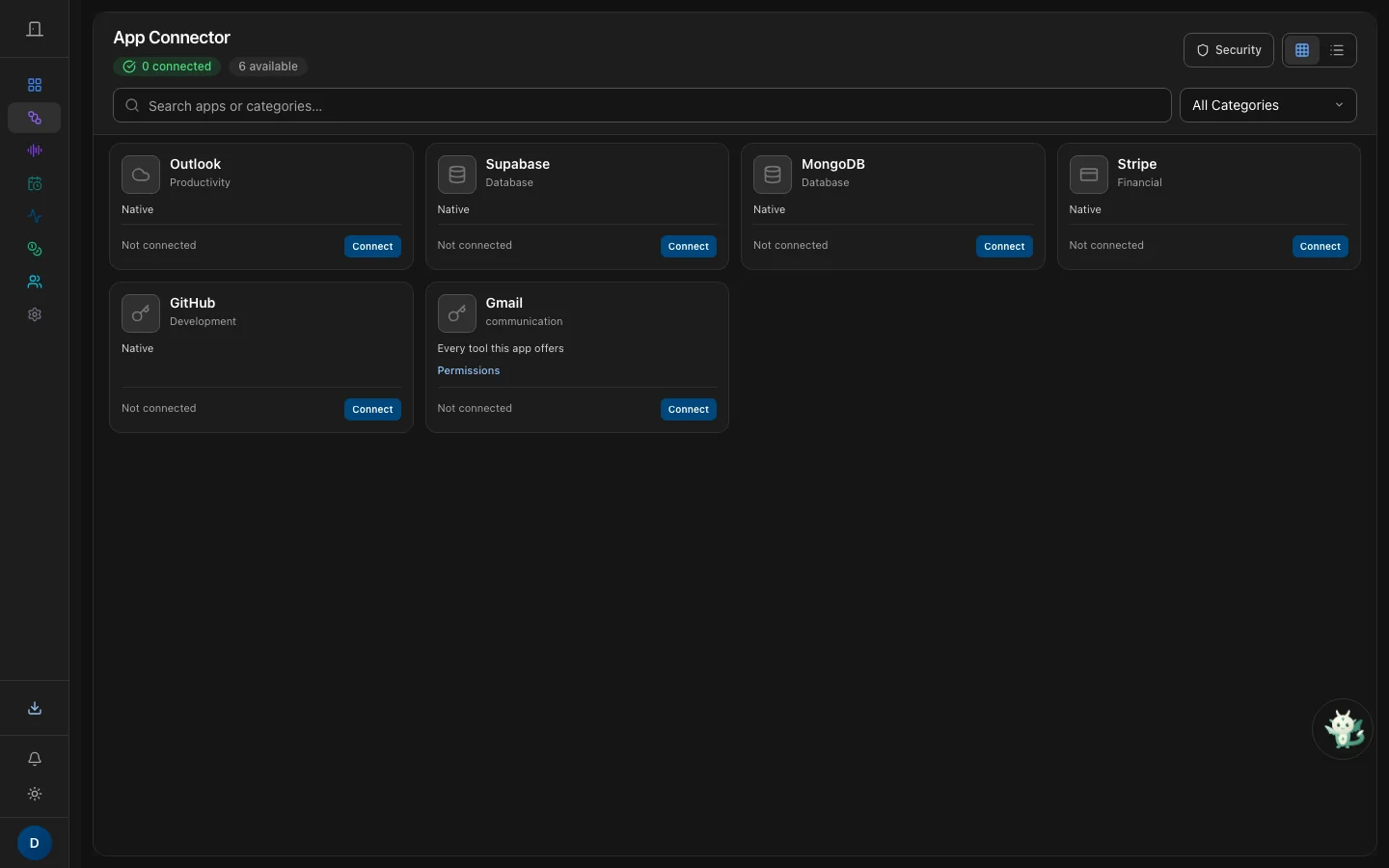
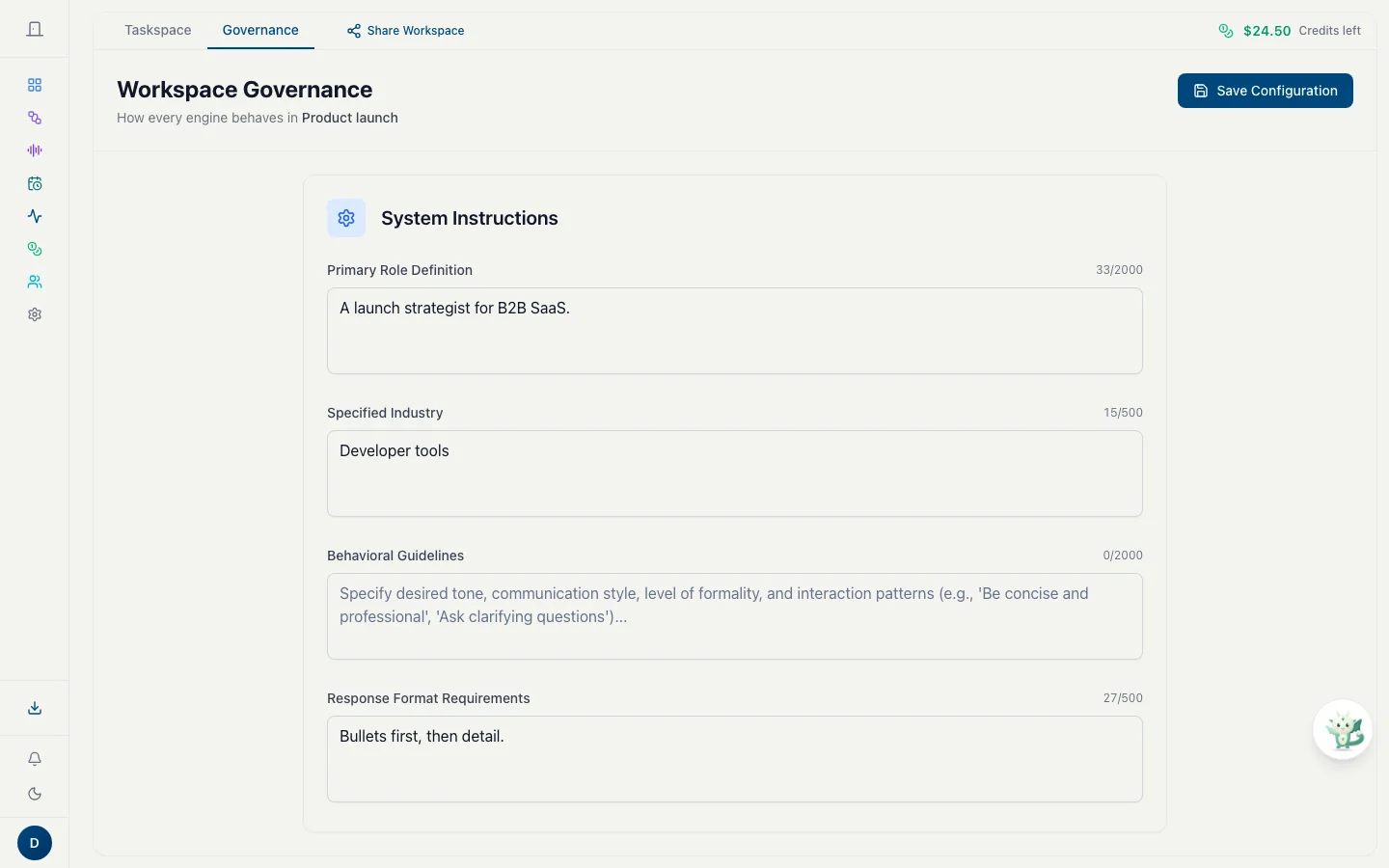
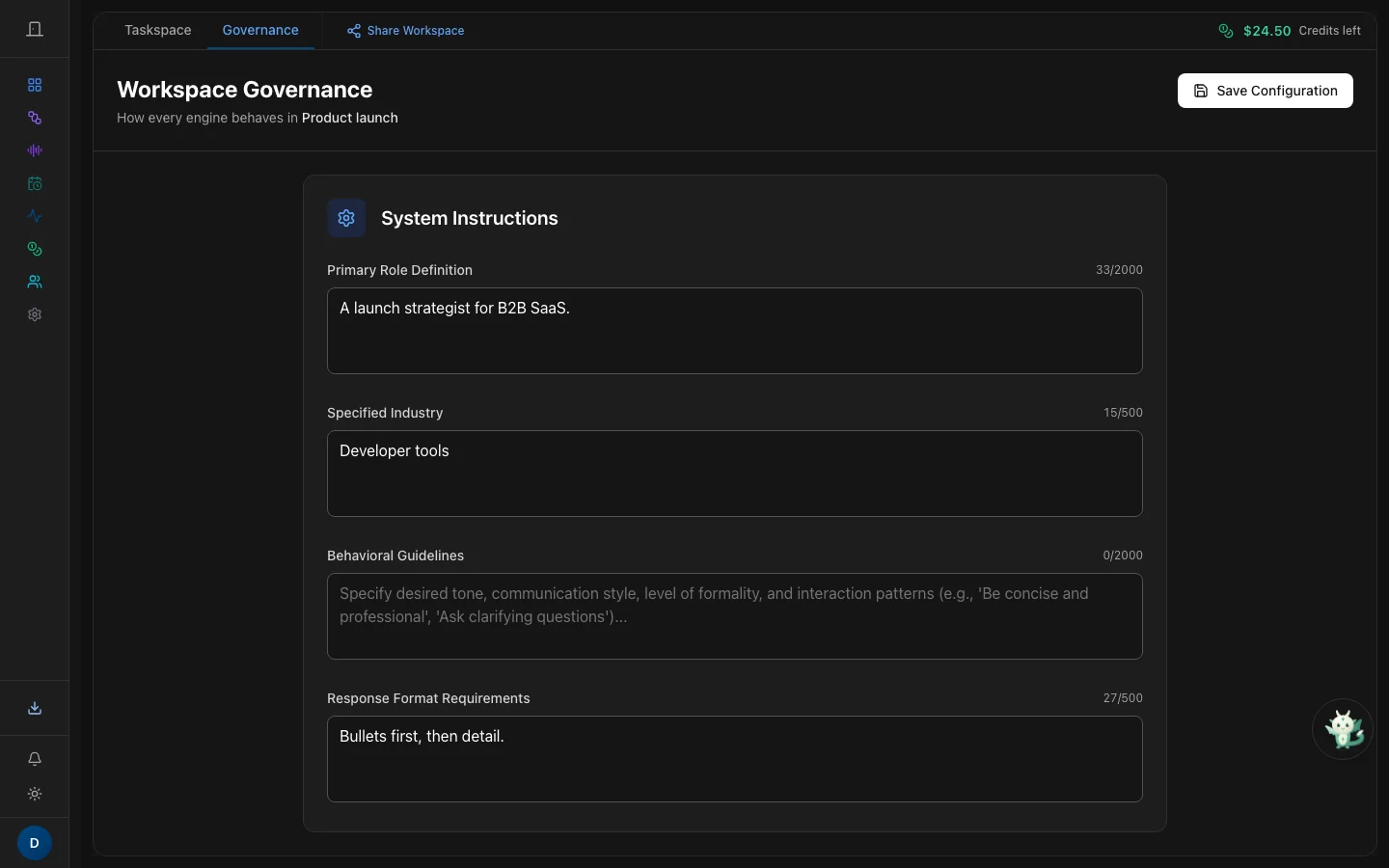
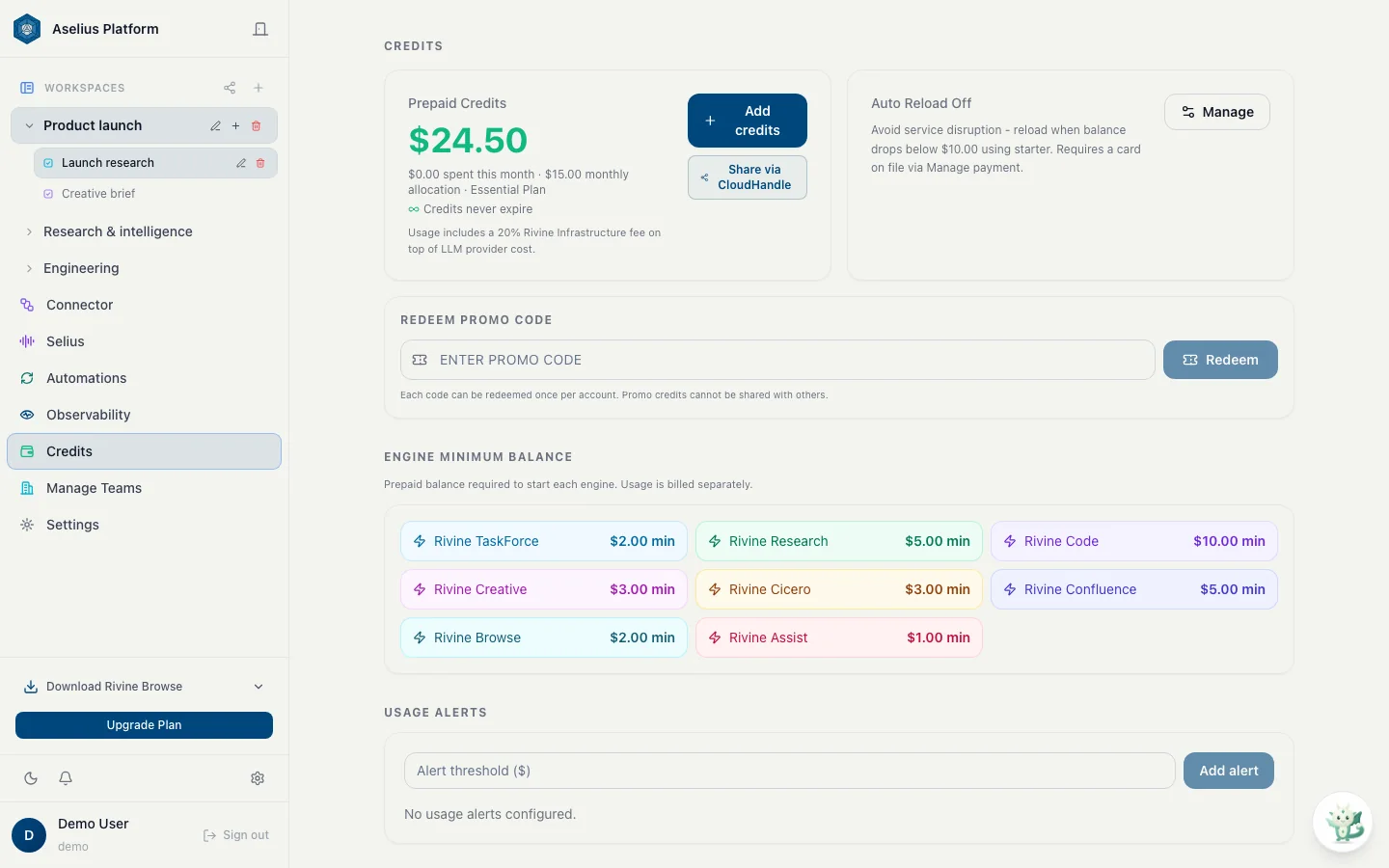
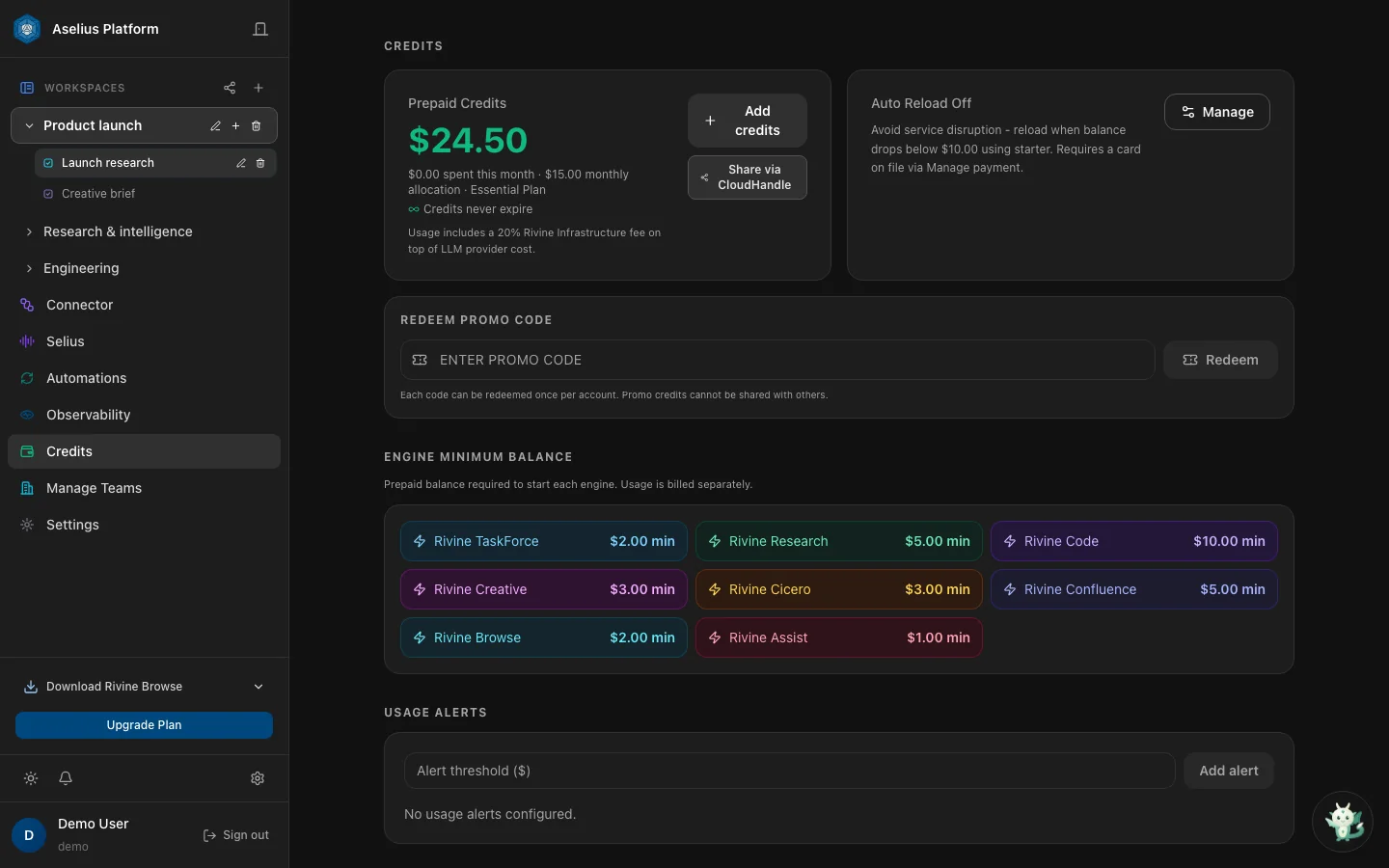
Workspace, Connector, Governance, Credits, Automation, Selius, Manage Teams and Observability: the apps active in today's deployment, shown as they are.

Workspace

Taskspace and the Rivine engines

Pick TaskForce, Research, Code, Cicero, Confluence, Creative, Assist or Browse. Deliverables land in Assets with Preview and export.

Read the guide
Taskspace: one Rivine TaskForce turn returns documents, data, media and an app as twelve deliverable cards.

Why it is different

Not another Claude Cowork, ChatGPT Work or Kimi Work

Those are general agents inside one vendor's app. Aselius is agentic infrastructure software: specialized engines on shared memory, verification, approvals and billing, reachable from wherever you work.

Observability you can audit

Tokens, cost, latency, retries, and Artificial Experience events for your own turns, without storing conversation content.

Artificial Experience

Workspace memory of facts, outcomes, and reusable work so engines reuse what already succeeded instead of re-deriving it every turn.

Context Extender

Retrieval under a cap so long corpora stay usable without flooding every model call with millions of tokens.

RE-AI reasoning framework

Reverse-engineering of implementation: gather context, change, verify with evidence, and continue across durable time slices. Not a one-shot chat reply.

Deliverables, not chat paste

Documents, code previews, research reports, and dashboards land in Assets. Edit in Preview and export Markdown, PDF, DOCX, or HTML when available.

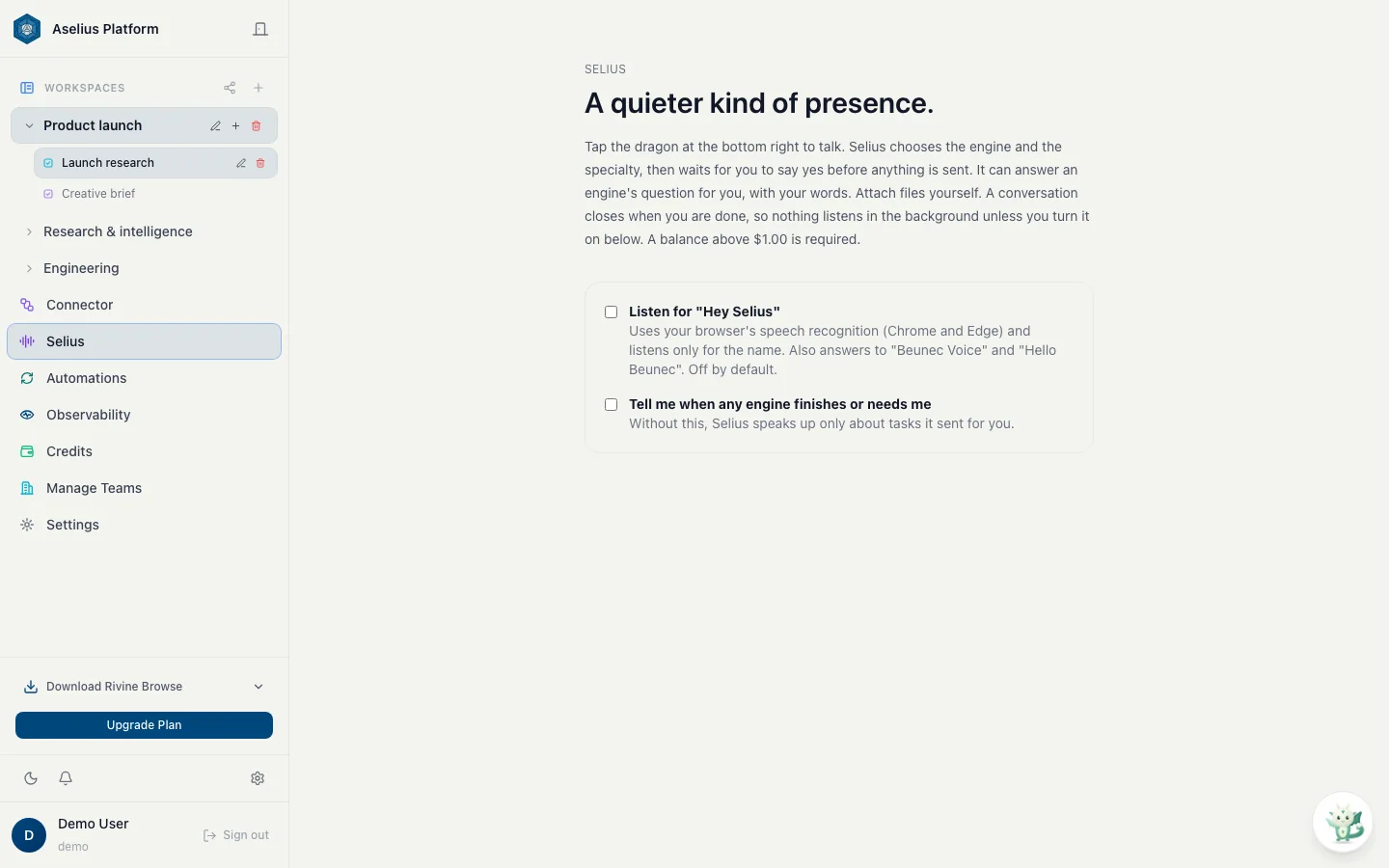
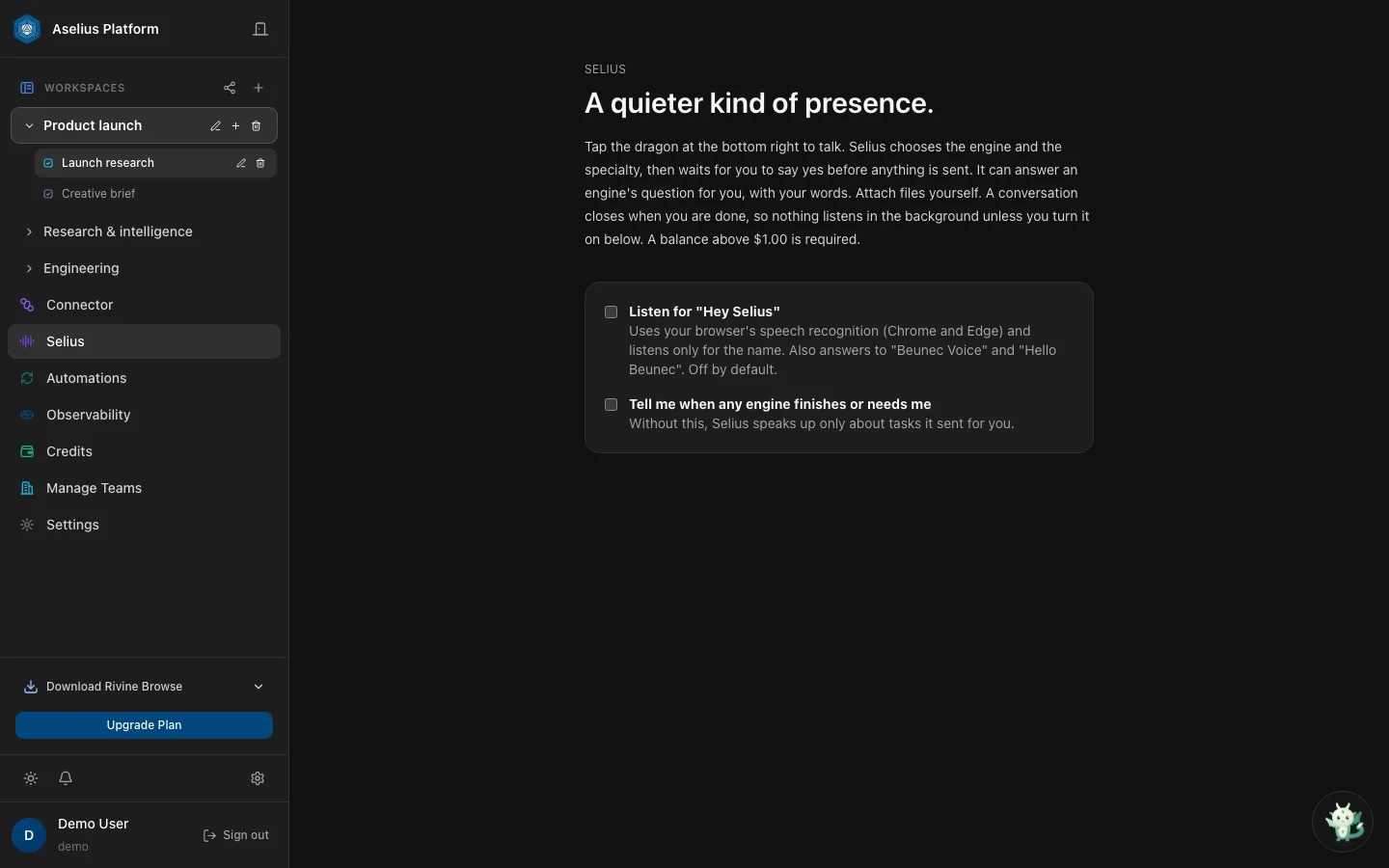
Selius

Speech-to-speech across Aselius and Rivine Browse. It asks before it acts, never approves payments or sends on its own, and shows what Rivine is doing.

Not a rendering

Every frame below is a real screenshot of a live Aselius session. Filter by area, tilt a card, or open it full size and step through with the arrow keys.

What's new

Every release, in one place

Shipped and live today. The journal below updates on its own as Beunec publishes.

  1. August 2026 · Release

    Rivine Code CLI

    Rivine Code, in your terminal. The engine still runs on Beunec's infrastructure, but the files it reads and writes are the ones already on your disk, in the directory you started it in, open in your editor, tracked by your git. Nothing is uploaded.

    Read the CLI docs →
  2. 2026 · Research

    Rivine Experimental Project

    Rivine is Beunec's answer to that gap: an orchestration and reasoning architecture built specifically for agentic work that has to survive contact with reality, flaky APIs, ambiguous instructions, multi-hour tasks, and stakes high enough that a wrong answer costs more than a slow one.

    Read publication →
  3. August 10, 2026 · Platform

    Introducing Aselius Platform

    The Workspace application on the Aselius platform is the first place this architecture is available for direct use today. Beunec's roadmap, ahead of July 2027, is to expose each Rivine agentic engine through dedicated API infrastructure for enterprise, government, and developer use.

    View Aselius →
  4. 2026 · Announcements

    Announcing Rivine Agentic Engines

    Awareness and artificial experience are not an engine unto themselves. They sit under TaskForce, Research, Cicero, Code, and Creative the way the orchestration runtime already does: shared, always on, and not a substitute for the internal design of any one product.

    Explore engines →
  5. 2026 · Release

    Rivine Browse

    Rivine Browse completes tasks in your own browser, in your real tabs and signed-in sessions, from a side panel. It plans, acts, pauses for approvals, and can run for hours because every step is a short HTTPS call, not a held server process.

    Open Rivine Browse →
  6. 2026 · Release

    Selius

    Selius is the voice of Aselius and Rivine Browse: speech-to-speech, and the ivory-and-jade dragon that shows what Rivine is doing. Tap to talk, or opt in to Hey Selius. It asks before it acts, and never approves risk on its own.

    Meet Selius →
  7. 2026 · Release

    Aselius Preview App

    Publish any deliverable to preview.aselius.beunec.com and hand the link to anyone: Word and PowerPoint as pages, Excel as a real grid, Rivine Code projects as a read-only file tree, with code access by default.

    Read the guide →
  8. 2026 · Release

    Aselius MCP

    Use Aselius from any AI app: start and follow a Rivine engine task from Claude, Cursor, ChatGPT or any MCP-compatible client at workspace.beunec.com/mcp, on your own account and wallet.

    Connect a client →
  9. 2026 · Release

    Messaging Channels

    Telegram, Discord and WhatsApp can start and follow a real Rivine engine task: pick the engine and specialty in the chat, and the result comes back with a one-tap preview link.

    Link a channel →
  10. 2026 · Platform

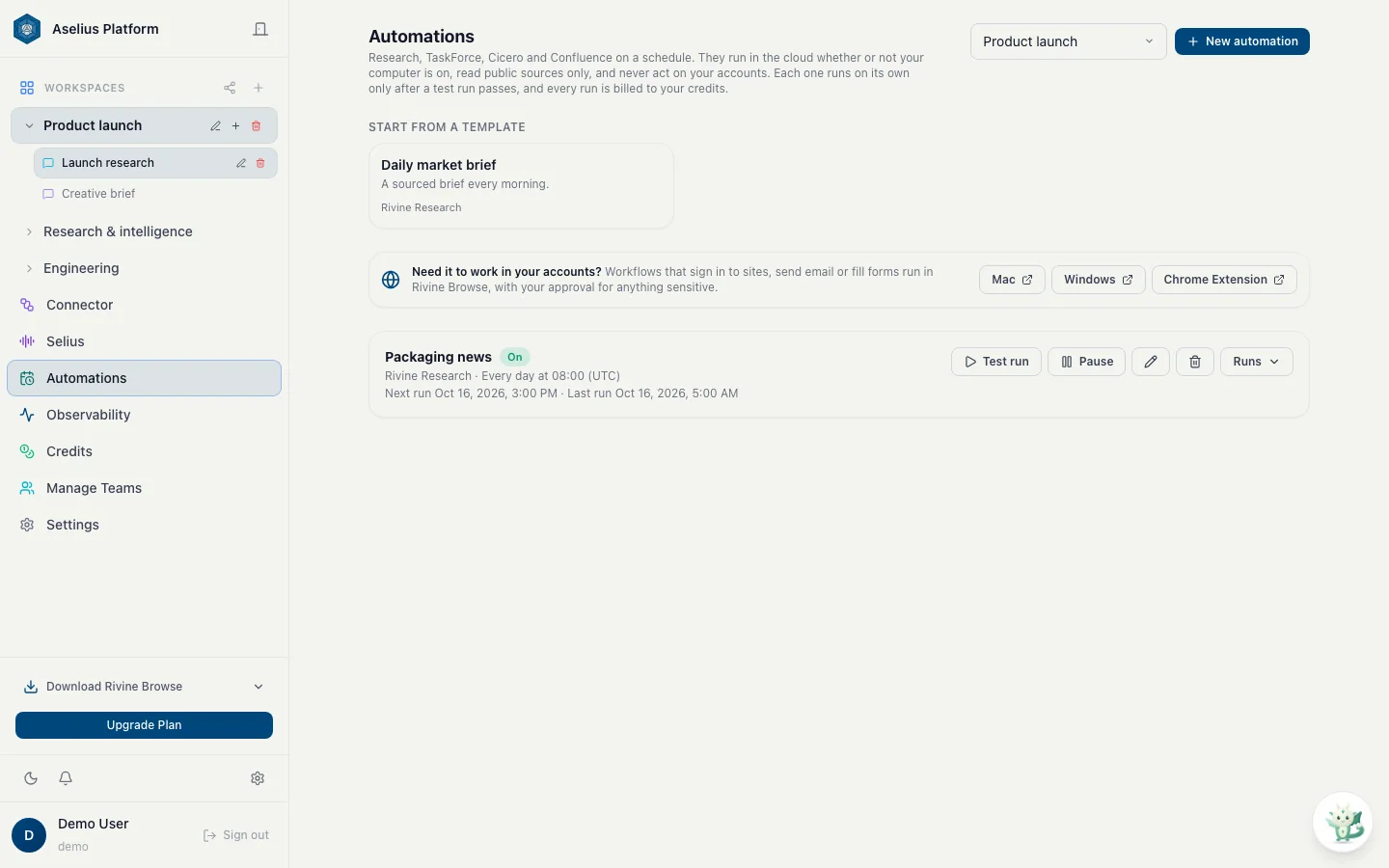
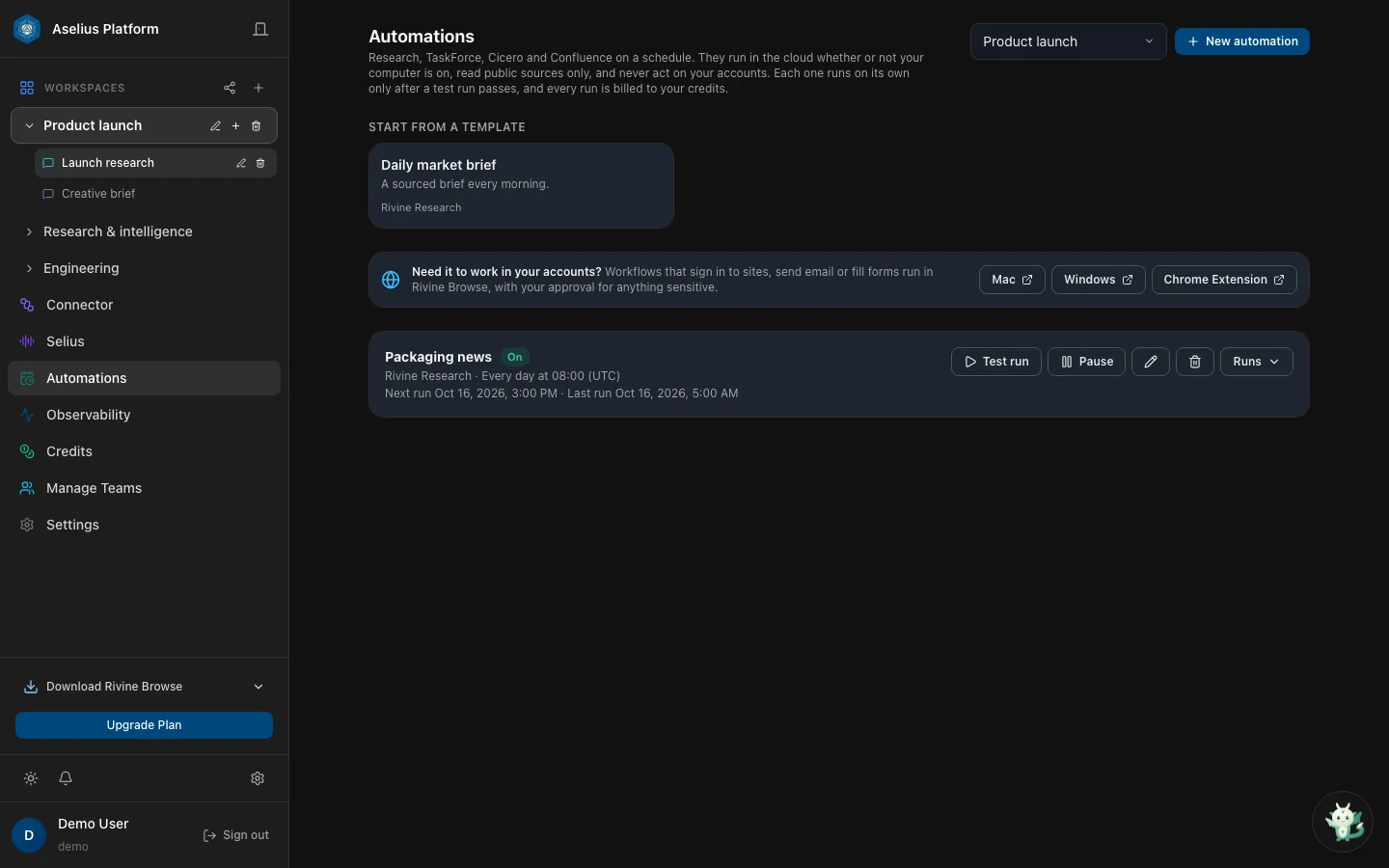
    Aselius Automation

    Scheduled Rivine Research, TaskForce, Cicero and Confluence runs that happen whether or not your computer is on, each one gated by a passing test run and billed to your credits.

    Read the guide →

Latest from the Beunec journal

Loading the latest posts… Browse every post in Resources

An honest lens

Already using Claude Cowork, ChatGPT Work or Kimi Work?

The fair comparison is Aselius against those general agent workspaces, not a generic autocomplete. We describe them only at the level of their public positioning, and we never claim features we have not shipped.

Product shape
General agent workspacesOne general agent in a chat or desktop app that decides which tools to use
AseliusAgentic infrastructure software: Workspace, Automation, Observability, Manage Teams, credits, connectors, Selius, plus Rivine Browse
Specialization
General agent workspacesOne general agent, sometimes with a separate coding lane, inside a shared conversation
AseliusSpecialized Rivine engines (TaskForce, Research, Code, Cicero, Confluence, Assist, Creative, Browse), each chosen directly with its specialty. Not one model in a costume
Verification
General agent workspacesModel-led checks, user review of files, approval prompts for risky actions
AseliusRuntime verification floor + independent critic on Code; Confluence numbers computed by code with a ledger; HITL on low-confidence steps
Long-horizon work
General agent workspacesA desktop process or cloud session that keeps working while you step away
AseliusDurable, resumable engine turns in the cloud; Automation on a schedule whether or not your computer is on
Browser automation
General agent workspacesA built-in browser or side panel inside the vendor's product
AseliusRivine Browse in your real tabs and signed-in sessions (extension + desktop), with safety gates
Outputs
General agent workspacesDocs, sheets, decks or artifacts beside the chat
AseliusAssets + Preview Panel + export; Live Preview for Code; Assist for surgical follow-ups; publish with an access code
Where you use it
General agent workspacesThe vendor's own app
AseliusWeb app, Rivine Browse, Rivine Code CLI, Aselius MCP from any AI app, and Telegram, Discord or WhatsApp
Memory & context
General agent workspacesProjects, memory, connectors or plugins inside one product
AseliusArtificial Experience + Context Extender under every engine, scoped to the workspace
Ops & teams
General agent workspacesAdmin and usage views inside the vendor account
AseliusObservability app, credit gateway per engine, Automation ledger, Manage Teams with CloudHandle
Voice
General agent workspacesVoice modes in the vendor app
AseliusSelius across Aselius web and Rivine Browse; asks before acting and never self-approves risk


Not here to replace your IDE, legal counsel, or brokerage stack; here to run governed AI-engine work and leave with deliverables.

Full comparison
Live at aselius.beunec.com

Open Aselius

Base (free), Pro ($20/mo), and Essential ($40/mo) all include Workspace, Automation, and teams. Every plan reaches every Rivine engine at the same start floor, paid from one prepaid wallet; Pro and Essential add more free monthly credits, storage, and support.

Base · FreePro · $20/moEssential · $40/mo